
Basic OutputDXF

Single-part DXF flat pattern
Cut geometry for one sheet metal part with a quick browser preview image.
- Cut-ready closed contour
- Layer separation (cut / bend)
- Flat pattern at mm scale
- Demo part naming
Sample outputs
Review the downloadable examples before you install: a flat-pattern DXF file, a production PDF report, a foldered ZIP delivery package, and visual preview files.
Demo production job
A representative demo job — not real customer CAD data and not for direct production use.
See naming, report style, and folder structure before running Flat2DXF on your own SOLIDWORKS models.
Cut geometry for one sheet metal part with a quick browser preview image.
A single-page production list with part, material, thickness, and quantity.
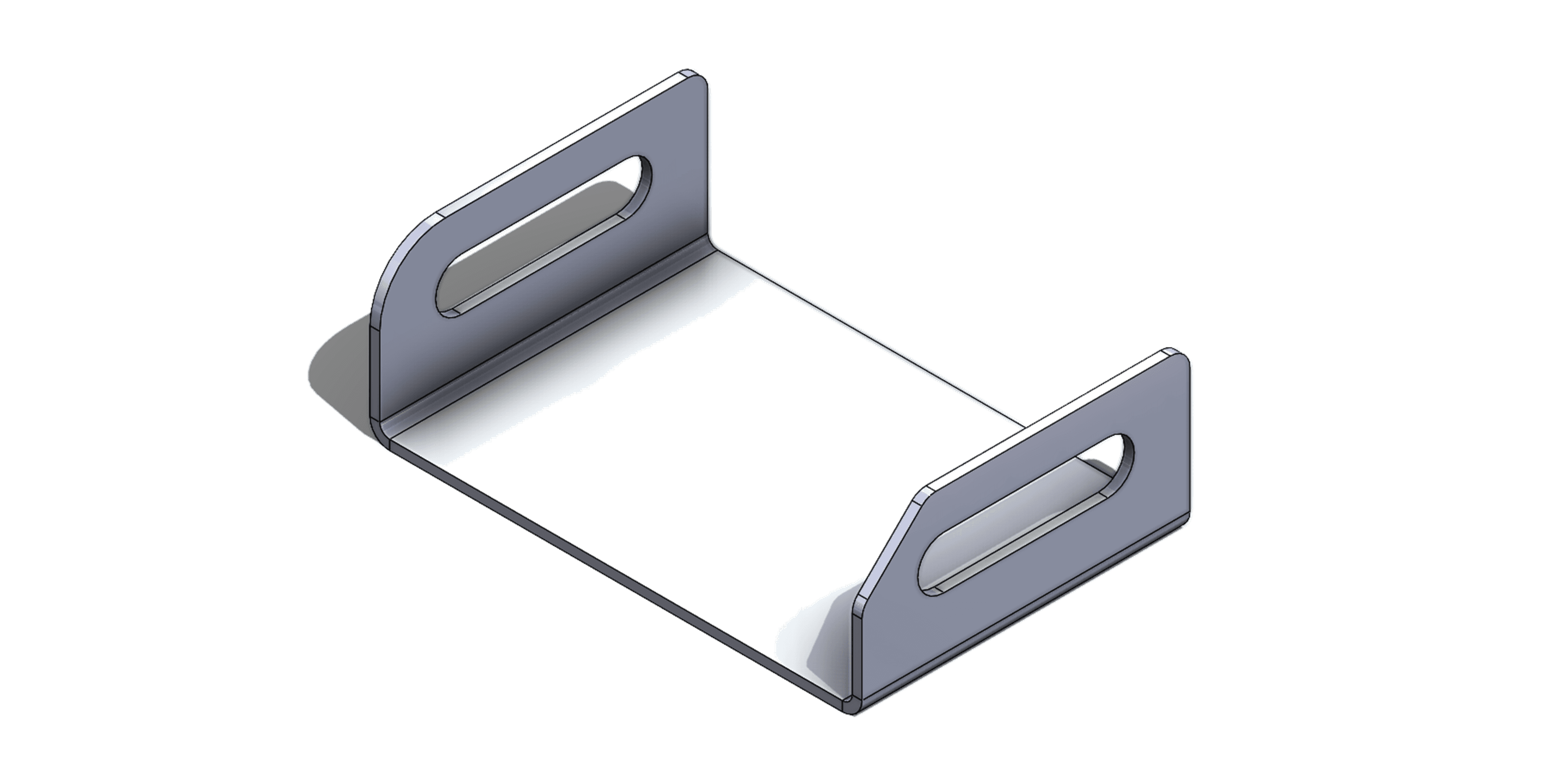
A packaged handoff with DXF, report, images, and README in a clean production folder.
Switch tabs to see the DXF flat pattern, the production report, and the ZIP folder structure at full size.
The flat-pattern DXF holds cut-ready closed contours with separated layers. A preview image is generated for quick browser review before you open the file in CAD/CAM.
Four quick checks that tell you whether an output is production-ready.
Part, material, thickness, and quantity should be readable directly in the file name.
DXF, PDF, images, and notes should be separated into clear production folders.
Confirm the material list, thickness, and quantities are reflected correctly in the report.
Verify DXF contours are closed, layers are separated, and the scale is in millimeters.
This package shows the example delivery structure of Flat2DXF Professional output.
Professional package
flat2dxf-sample-production-package.zip/└── Demo_Bracket_Production_Package/ ├── README.txt ├── DXF/ │ └── Demo_Bracket_A_2mm_S235JR_QTY4.dxf ├── Images/ │ └── Demo_Bracket_A_preview.png └── Reports/ └── Malzeme_Listesi.pdf
Compare what Basic, Standard, and Professional each deliver.