
Layer control
Export cut, bend, and marking geometry with dedicated production rules.
Product details
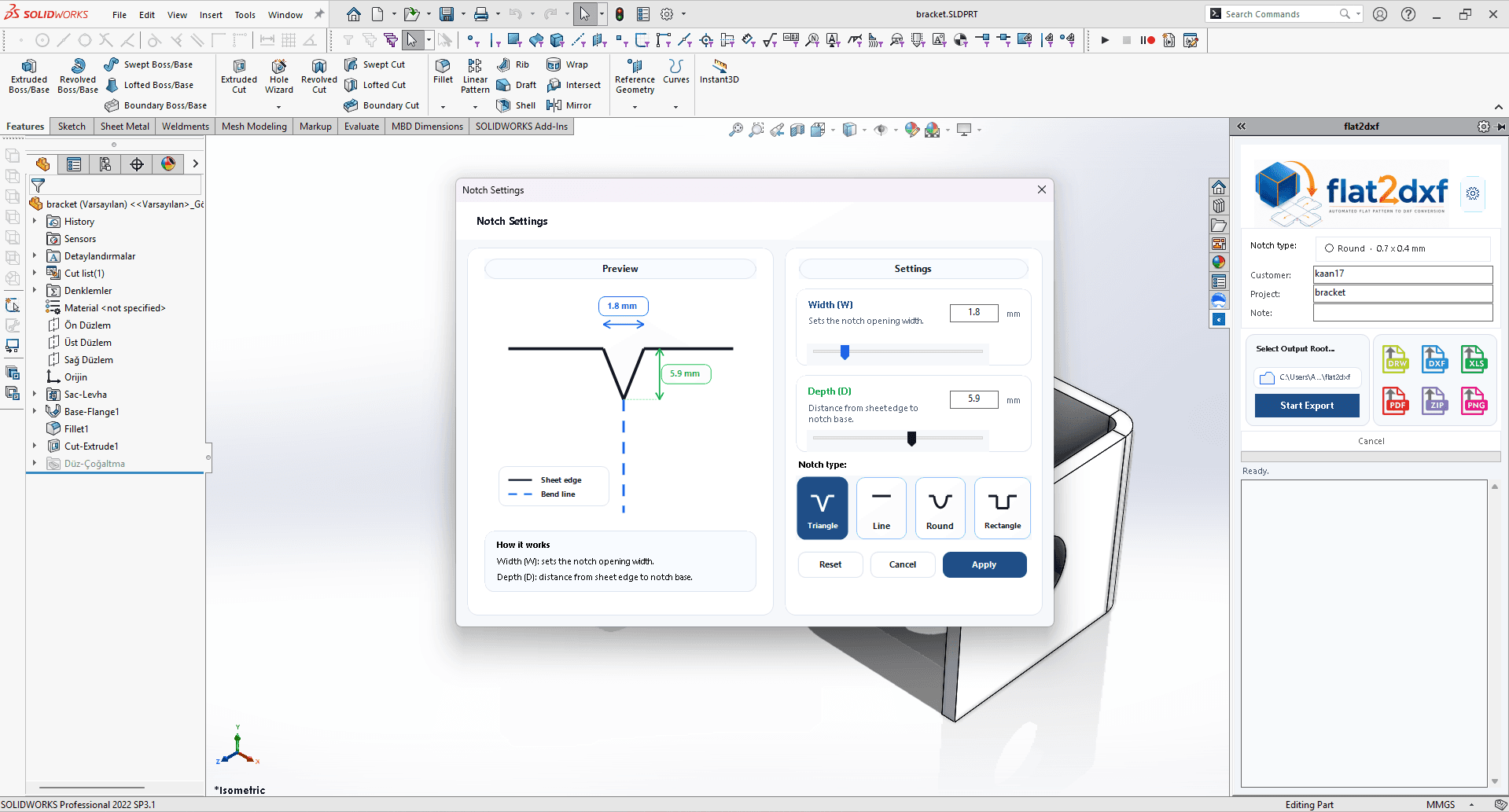
Flat2DXF runs inside SOLIDWORKS to export sheet metal flat patterns, assemblies, PDF material lists, technical PDFs, and complete ZIP production packages according to the selected plan.
SOLIDWORKS is a trademark of Dassault Systemes SolidWorks Corporation or its affiliates. Flat2DXF is an independent product and is not affiliated with, endorsed by, sponsored by, approved by, certified by, or an official product of Dassault Systemes or SOLIDWORKS.
Product details
Flat2DXF groups geometry and documentation into one handoff structure so CAD/CAM teams can review layers, bend lines, and reports faster.
Export cut, bend, and marking geometry with dedicated production rules.
Turn sheet metal parts in an assembly into production files without opening each part.
Organize shop-floor handoff with part summaries, drawings, and package outputs.
Workflow
Download the Windows installer from your account.
Open a sheet metal part or assembly inside SOLIDWORKS.
Configure layers, bend lines, naming, and report options.
Generate DXF, PDF, production report, and ZIP output.
Create an account, download the installer, and test the Flat2DXF workflow with your own shop files.
FAQ
Flat2DXF is a SOLIDWORKS add-in that exports sheet metal flat patterns and production documents from parts and assemblies.
Choose Basic for single-part DXF export, Standard for assembly export and PDF lists, and Professional for technical PDFs plus full ZIP production packages.
No. DXF, PDF, report, and ZIP outputs must be reviewed before manufacturing.